

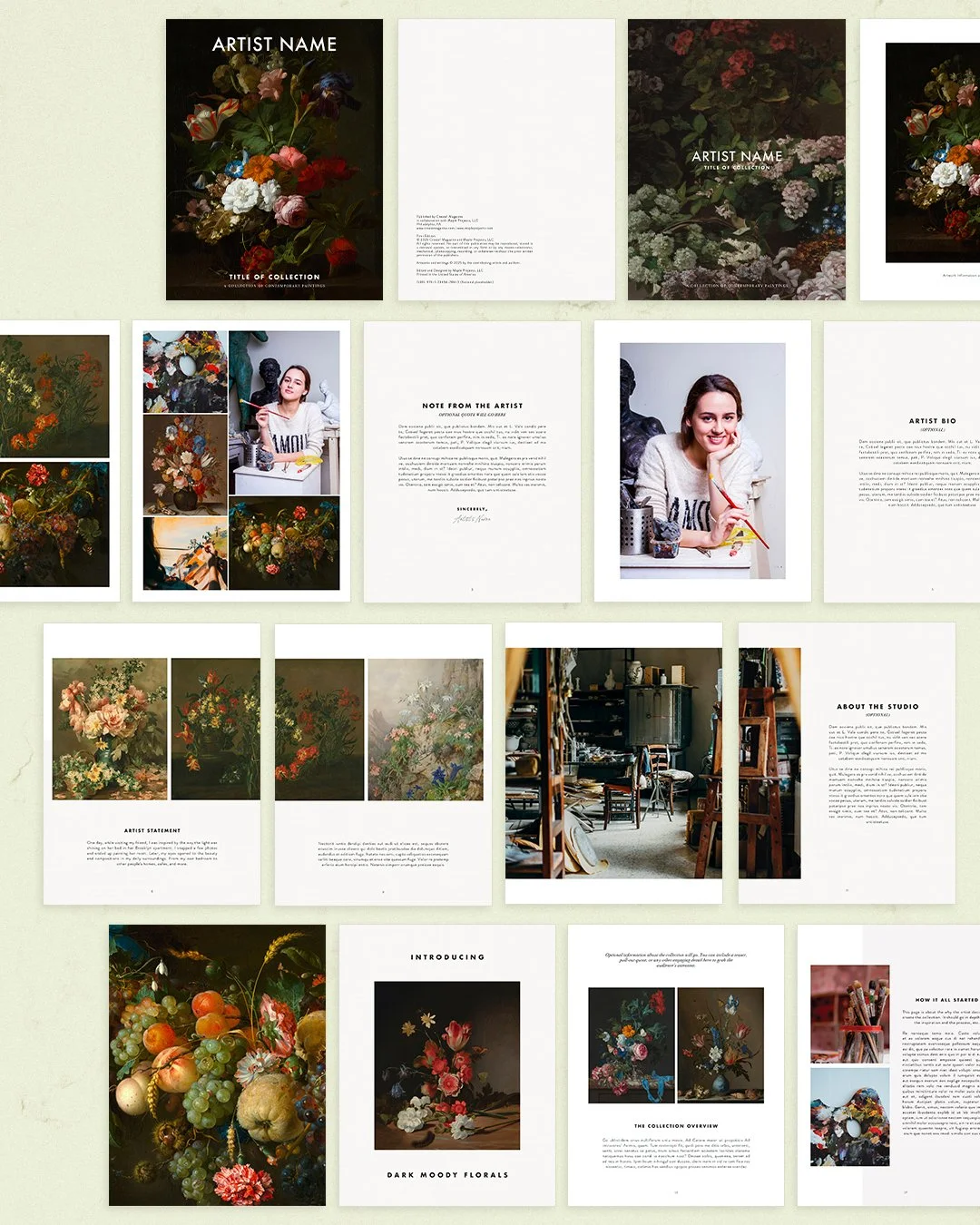
Claim Your Professional Art Catalog Template Bundle — Crafted by Ekaterina Popova & Shelby McFadden of Create! Magazine
Create and Publish Your
Professional Art Catalog
↓
Instruction
↓
Professional Design
↓
Template
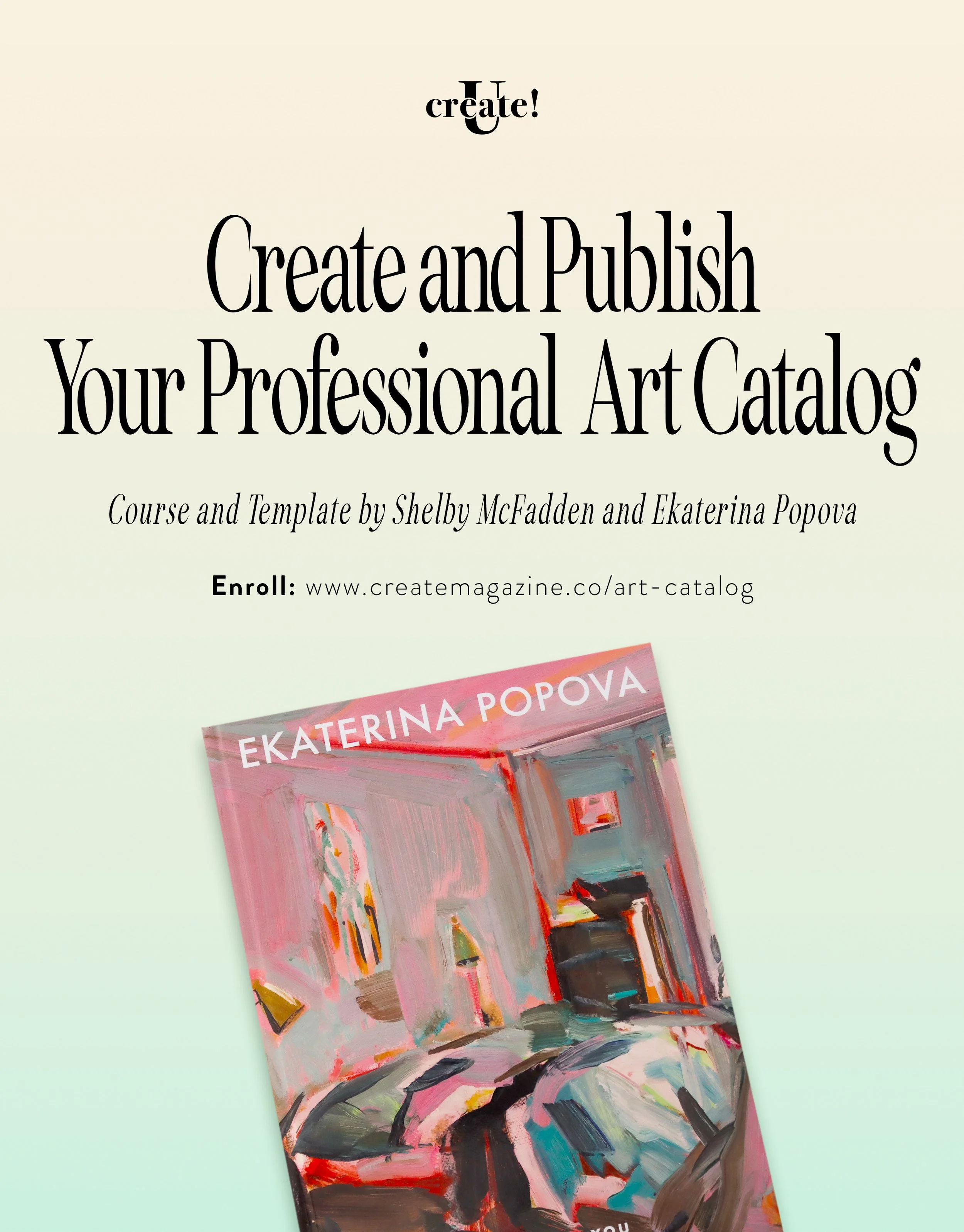
The Benefits of Creating Your Own Professional Art Catalog
→ Celebrate your career by publishing a stunning catalog perfect for collector gifts, exhibitions, collection launches, and much more!
→ Publish with confidence using easy, step-by-step guidance for IngramSpark and Amazon KDP — or partner with trusted local printers to bring your art book to life!
→ Create stunning catalogs for years to come with reusable templates and a streamlined, professional workflow — saving you thousands on design fees with premium, fully editable InDesign templates made just for artists like you!
THE COURSE AND TEMPLATES INCLUDES
Enroll today and get immediate access to the full course, two editable InDesign templates, and short walkthroughs that take you from concept to publication on IngramSpark and Amazon KDP. Create a gallery-ready catalog without hiring a designer.

Instructional Video Modules
1 hour pro lesson on design and IngramSpark from Shelby McFadden and Ekaterina Popova.

Amazon KDP Walkthrough
10 minute Amazon KDP walkthrough to help you publish and print your book.

Adobe InDesign walkthrough
Learn how to customize your template in InDesign with your text and images.

Downloadable InDesign Templates
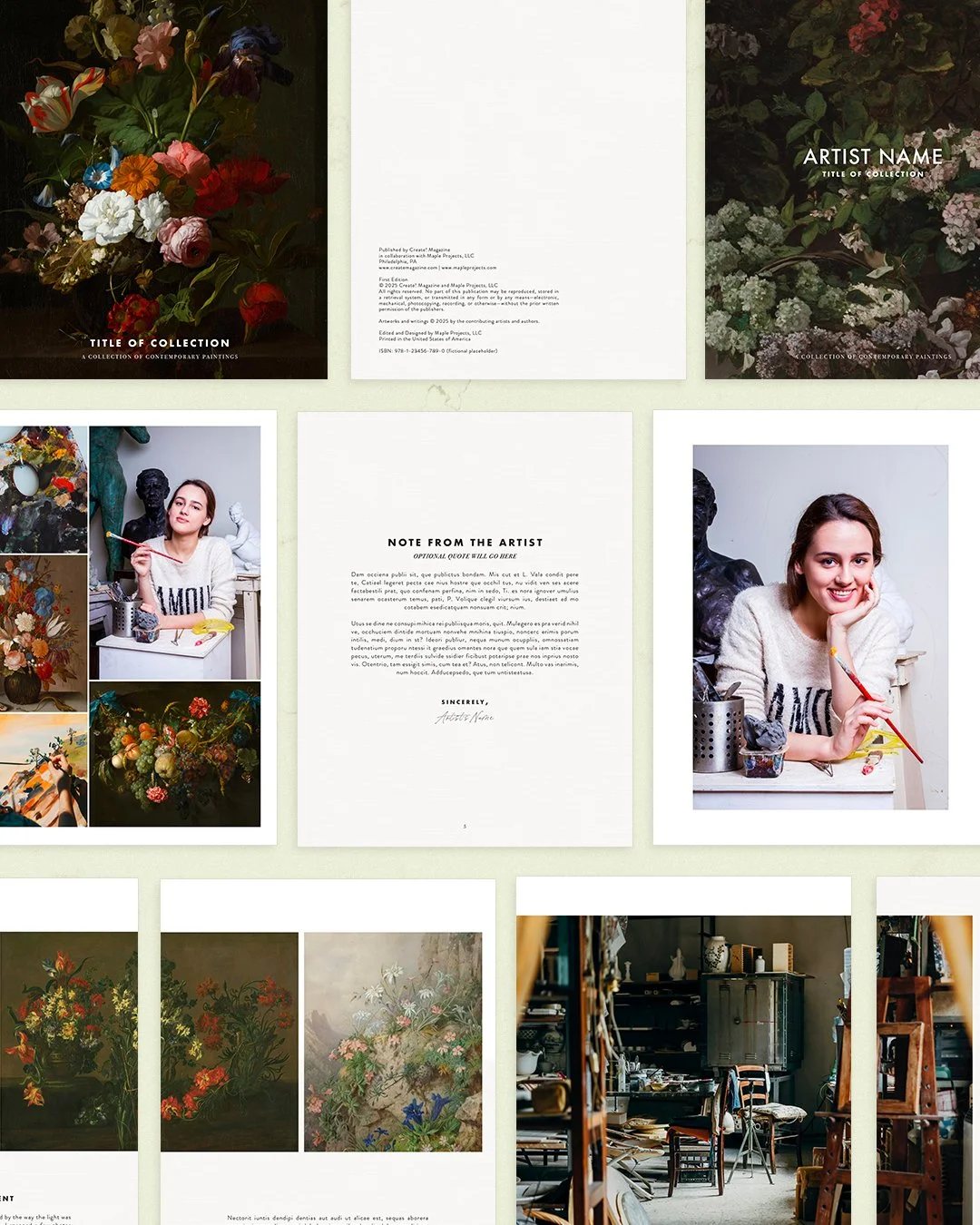
2 premium InDesign artist catalog templates to plug in your artwork and text.
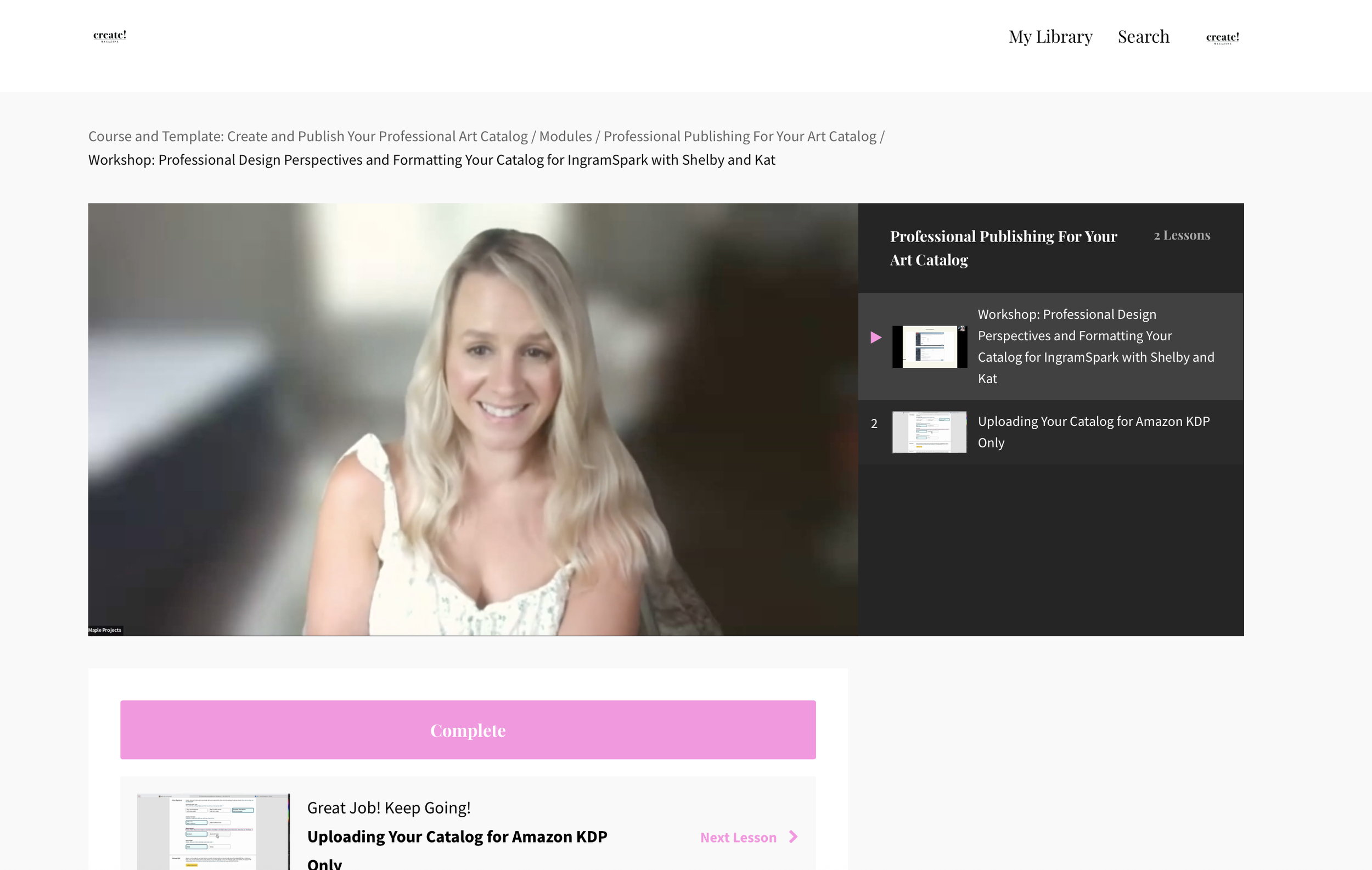
Expert Resources
Expert design tips and best practices from Shelby McFadden of Maple Projects — the talented designer behind Create! Magazine since 2013.
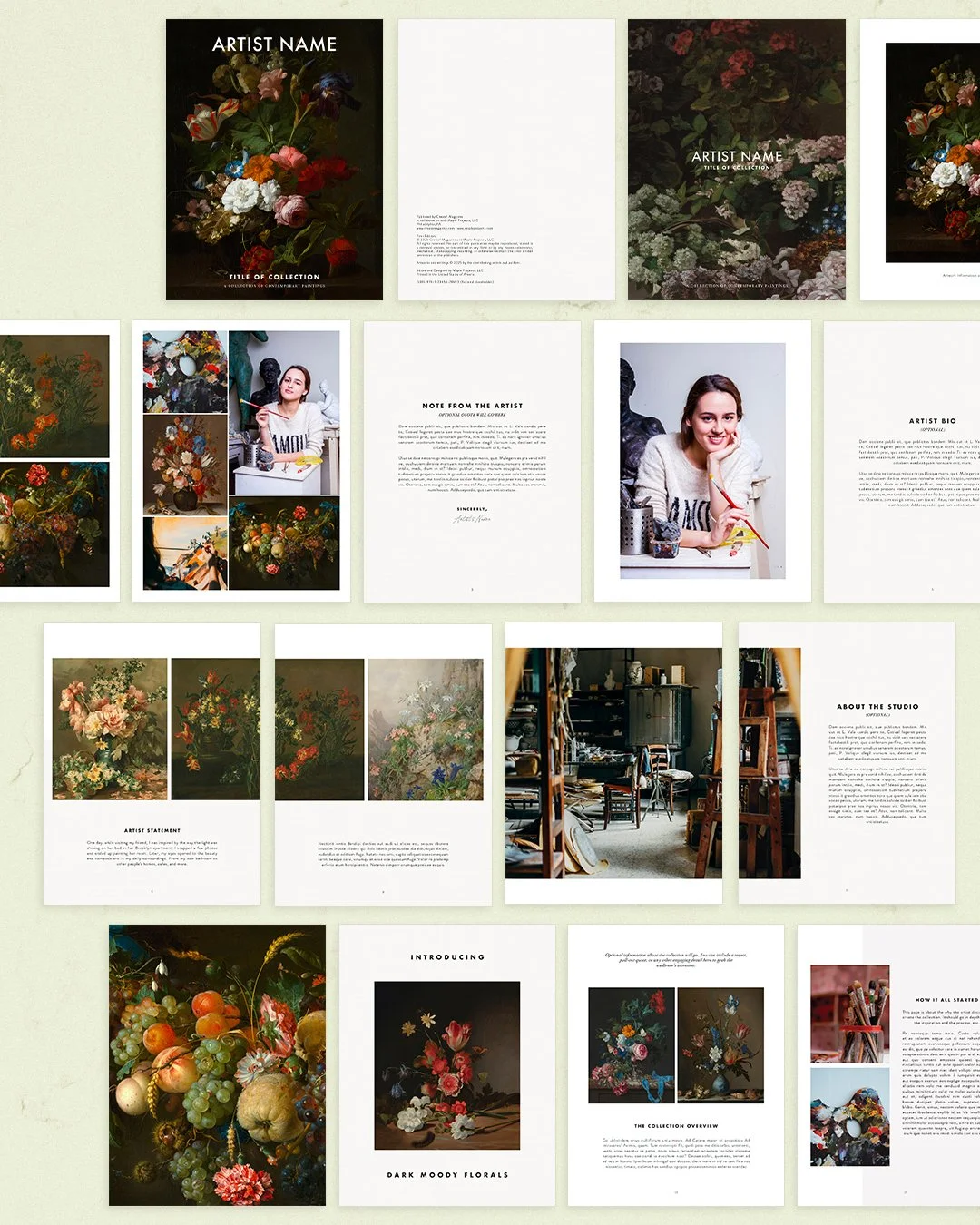
Professional Design
Beautiful, easy-to-use InDesign templates designed to help you create stunning, professional art catalogs for personal use, exhibitions, and beyond.
Why Join Us Now
Hiring a designer for one custom catalog can cost $1,000 to $3,000. Your one time enrollment is $297 and you keep the templates for future projects.
ART CATALOG TEMPLATE
ART CATALOG TEMPLATE

If you’re looking to publish your work in a professional catalog you can print on demand or with a local printer for client gifts, sharing your portfolio, exhibition promotion, and more — we’ve got you covered! This versatile catalog and template can be used again and again, saving you from hiring expensive designers while elevating your presentation with a clean, contemporary look.

Preview the fully customizable template


Looking to showcase your art in a beautifully designed, professional catalog?
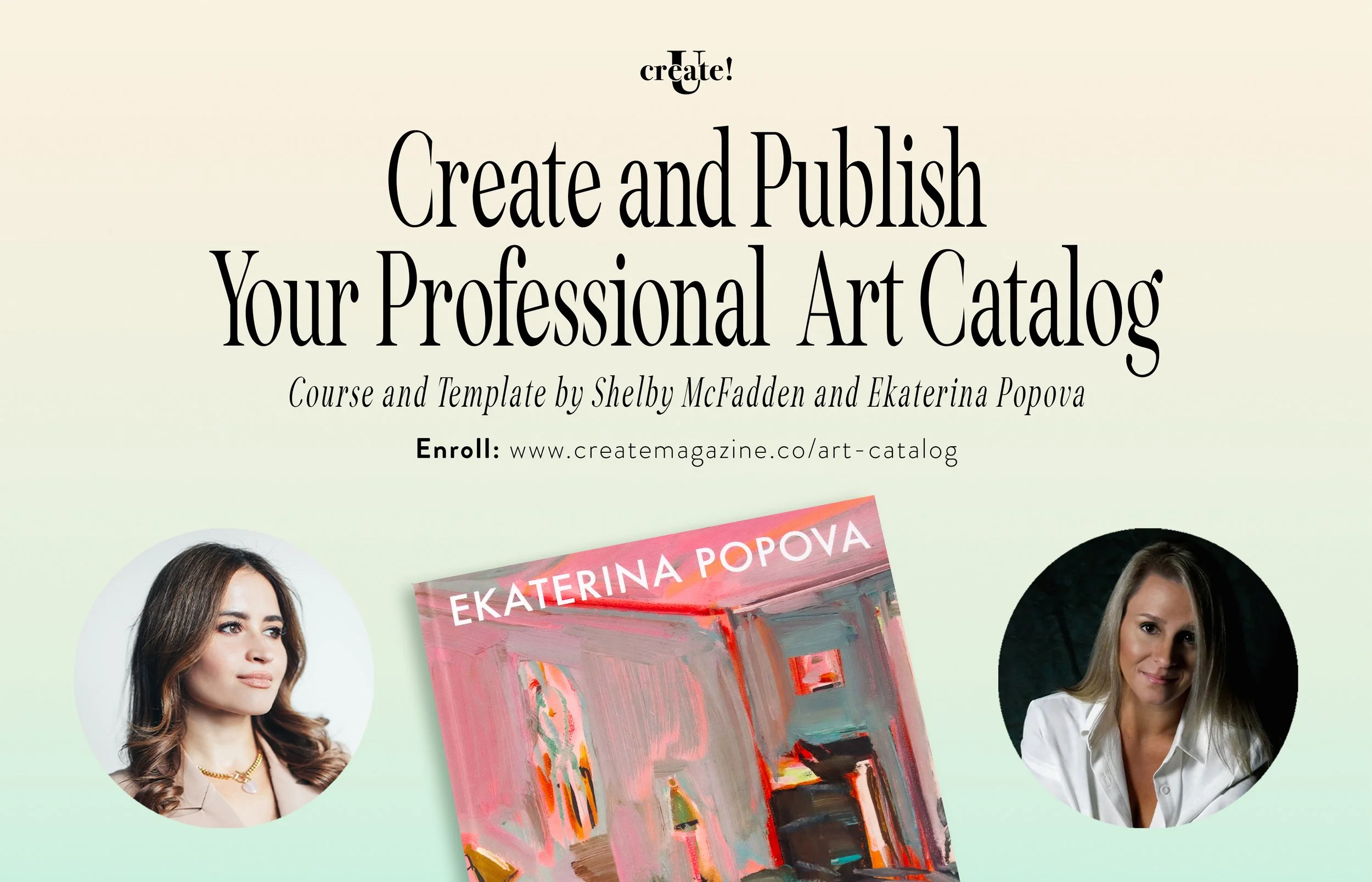
Editor of Create! Magazine, Ekaterina Popova, has partnered with designer and publisher Shelby McFadden to bring you premium art catalog templates and step-by-step instruction on how to design, format, and publish your own book.
LET’S TALK INVESTMENT
2 MONTHLY PAYMENTS
$150 / month for 2 months

ONE TIME FULL PAYMENT
$297
(Lifetime access to course and templates)
3 MONTHLY PAYMENTS
$100 / month for 3 months
Got Some Questions?
WE’LL WE HAVE ANSWERS
-
The templates in this course are native Adobe InDesign files, which give you full control over design, formatting, and print settings. While Canva doesn’t offer the same level of precision for print, you can export your catalog template as a PDF and upload it to Canva for light edits such as changing text or swapping images. Just note that printing options may be more limited compared to InDesign.
-
You’ll need:
Adobe InDesign installed on your computer (trial or subscription)
High-resolution images of your artwork
Text content you want to include, such as your artist bio, statement, captions, and acknowledgments
-
No. This is a digital product that includes instant access to all course materials and downloadable templates. Due to the nature of digital goods, all sales are final and non-refundable. Please review the course description carefully before purchasing.
-
Yes! You can use the templates for multiple projects. We recommend making a copy of the original file each time you start a new catalog, so you always have a clean version to work from.